Never miss the play.
Clips On runs quietly in the background, keeps the last moments of your game and saves the best ones with one hotkey, or all by itself.
- Free, no account
- Windows 10 and 11
- Clips stay on your PC
Play first. Decide later.
Clips On keeps the last moments ready, so the clip exists the second you want it.
- 01
Play, it records quietly
A replay buffer keeps the last moments in memory with your graphics card's encoder. Nothing is saved until you ask.
- 02
Press Alt+F10
One shortcut keeps what just happened, up to the last 30 minutes. It works in any game, even fullscreen.
- 03
Your clip is ready
It lands in your library, grouped by session and ready to trim. Auto highlights can do this for you.
Everything a clip needs, nothing it doesn't
One small app to capture, edit and keep your moments. No account, no uploads, no extra tools.
-
Replay buffer
The last moments are always kept, up to 30 minutes, so you save a play after it happens.
-
Auto highlights
Kills, aces, goals and wins save themselves in supported games and on connected servers.
-
Built-in editor
Trim, split, change speed and add smooth zoom points without leaving the app.
-
Separate audio tracks
Game, microphone and voice chat stay on their own tracks. Mute, solo or add music.
-
Game detection
More than 330 games are recognized at launch and get the right recording mode.
-
Light on performance
NVENC, AMF and Quick Sync do the encoding, so your frame rate stays where it belongs.
And the rest of the kit
- Hotkeys for everything Record, save, mark and open
- In-game dashboard Alt+F7 in borderless games
- Screen recording Full screen or a region
- Speed ramps and zoom Per part, with motion curves
- Library by session Filtered by clip type
- Storage limits Old clips clean up for you
- Game server events MTA, Minecraft and VMP
- H.264, HEVC and AV1 Pick size or compatibility
- Discord Rich Presence Shows what you play
- No account needed Clips stay on your PC
- Updates itself Quietly, in the background
- English and Persian Full interface in both
Inside the app
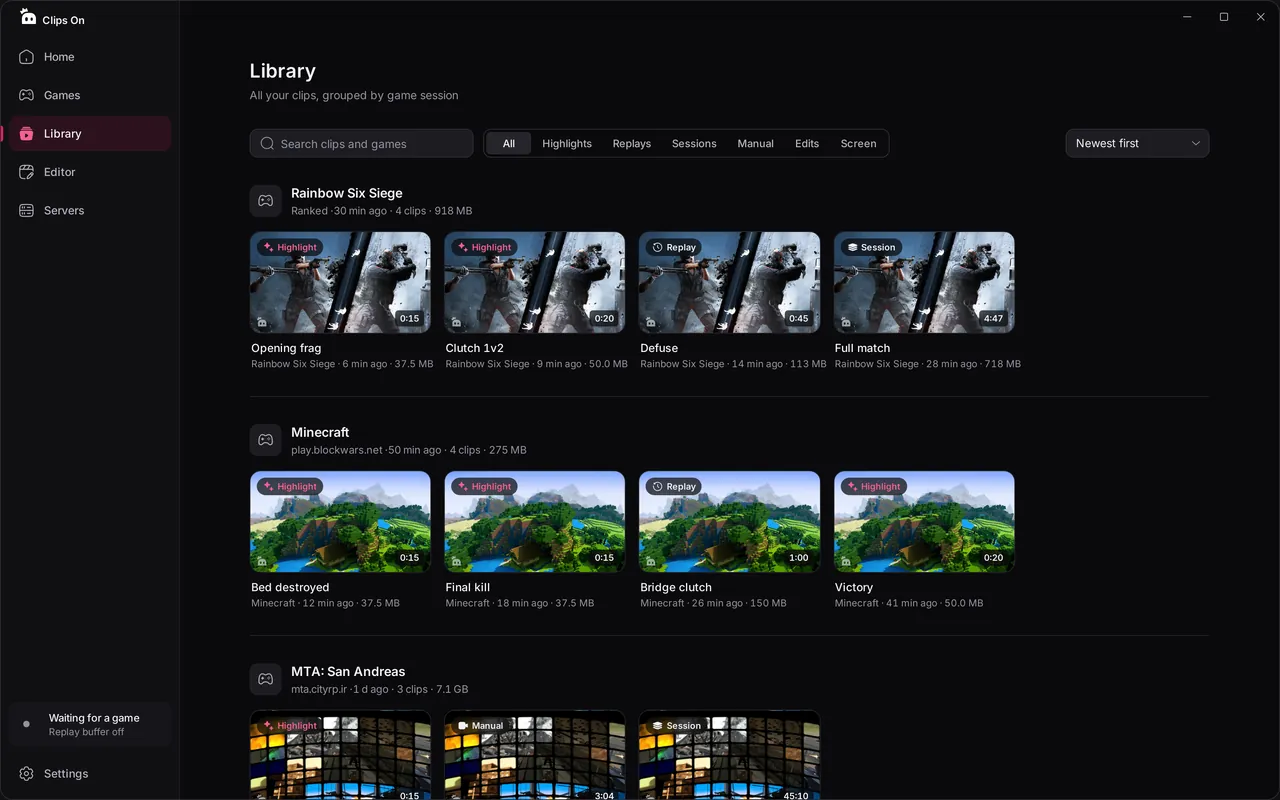
The real app, calm and out of the way until you need it.
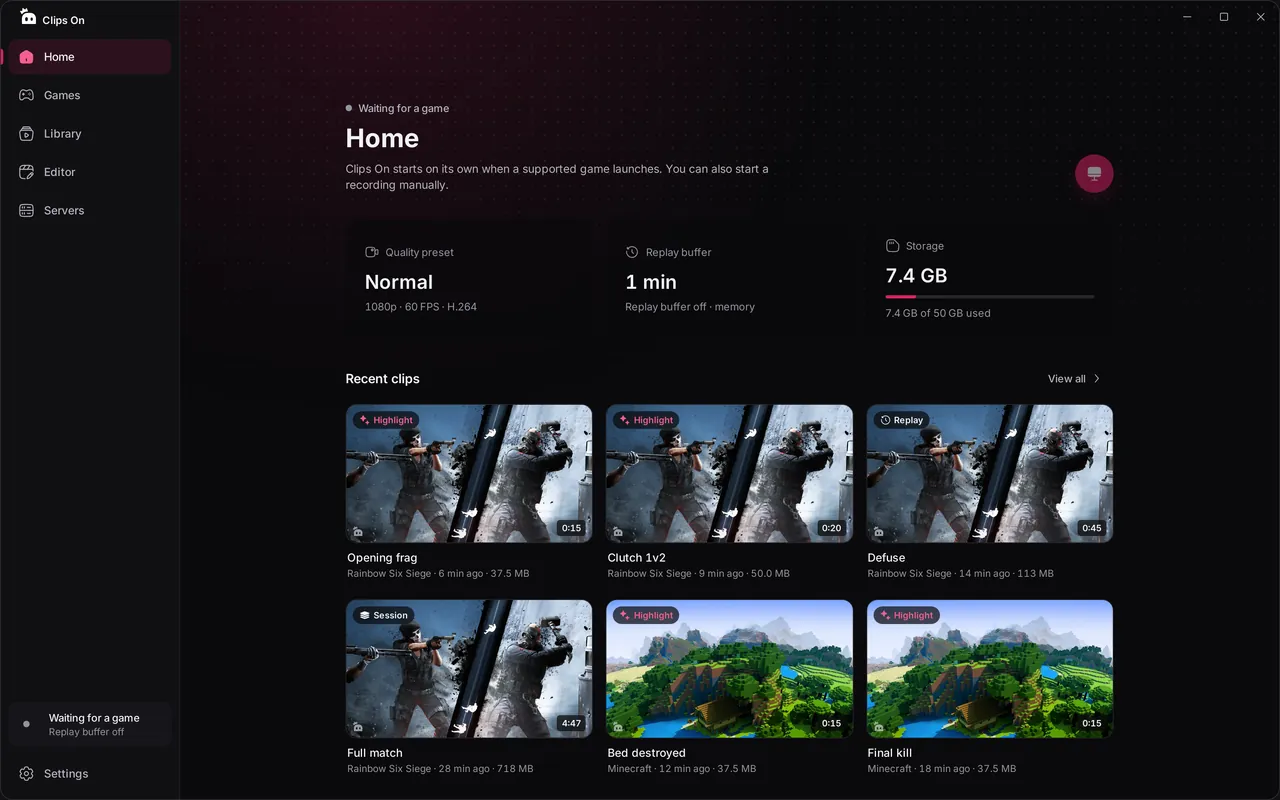
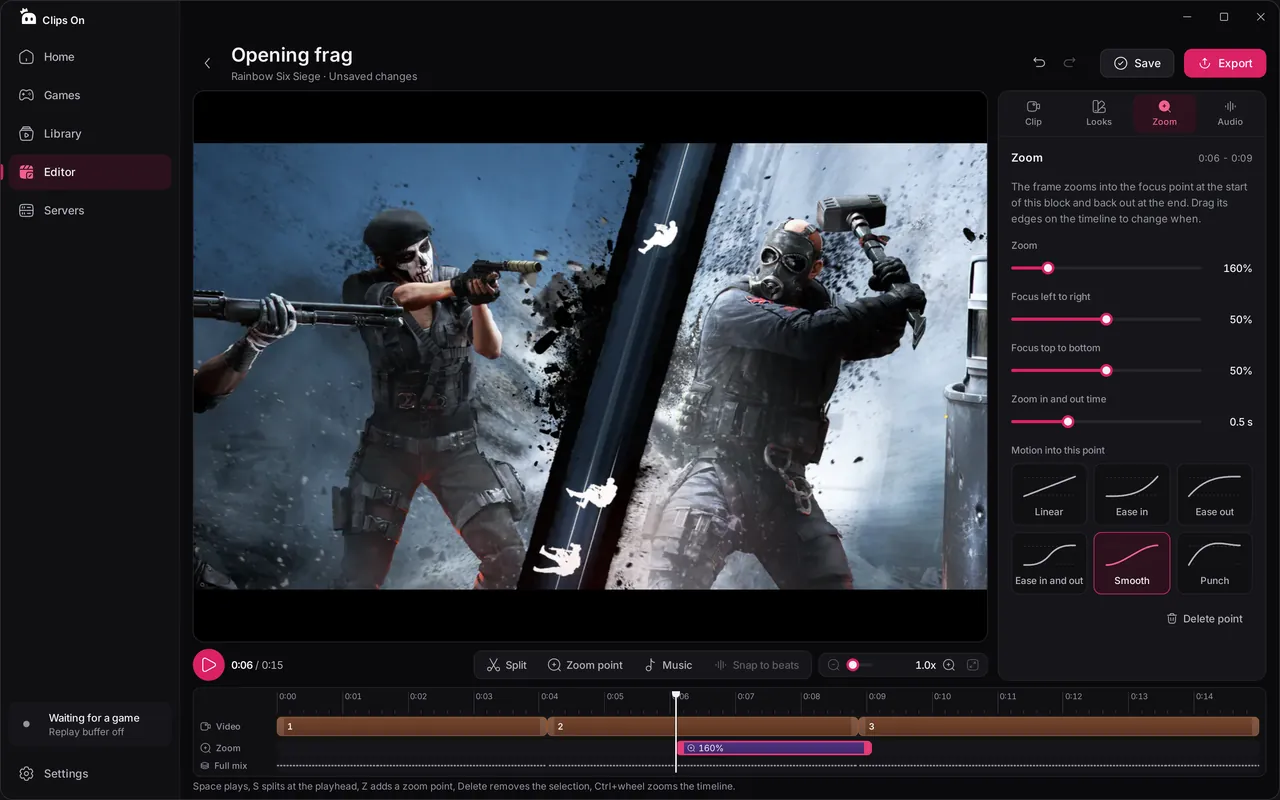
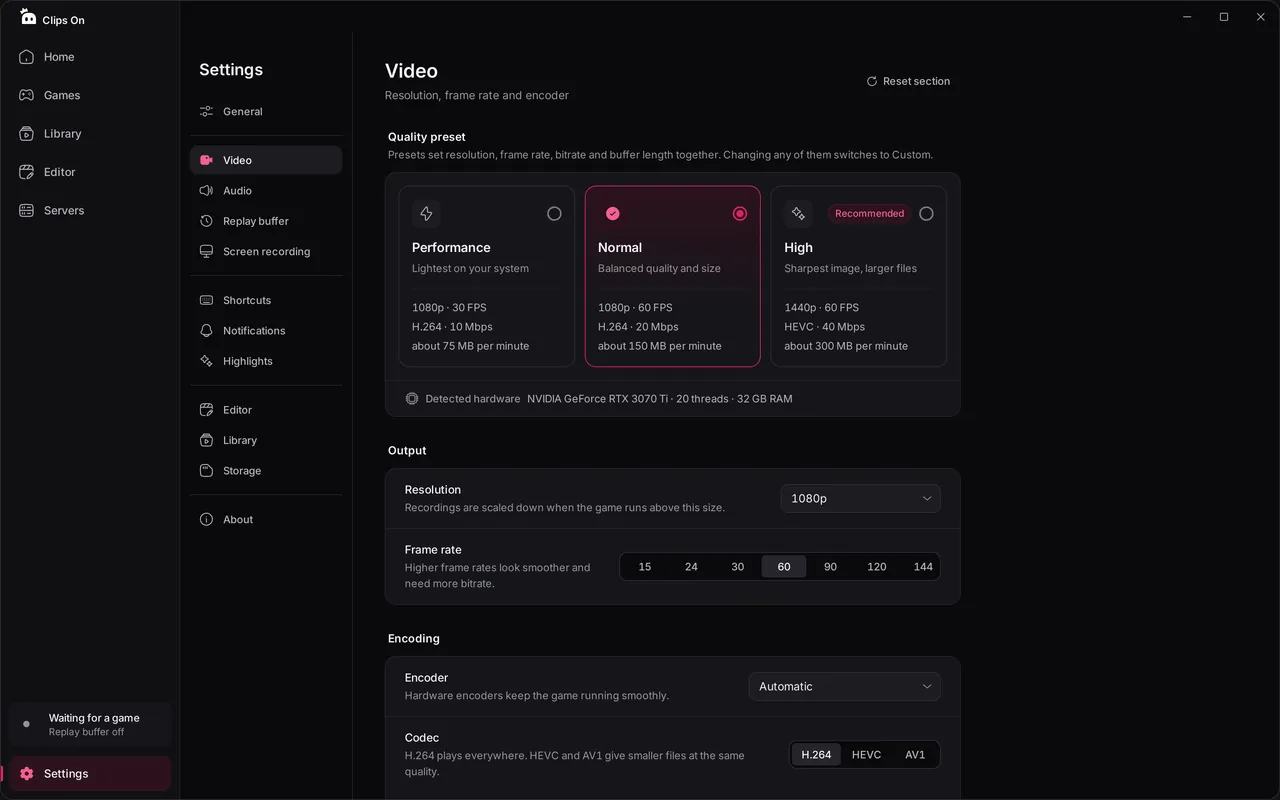
Every clip grouped by game session and filtered by type.




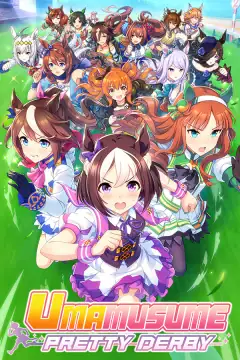
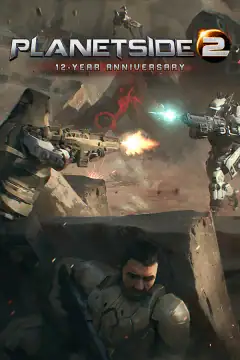
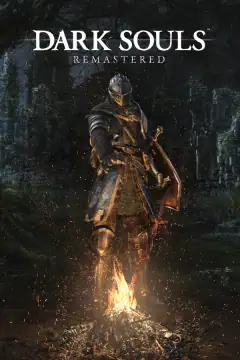
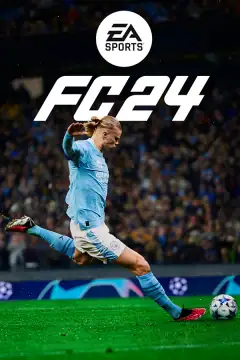
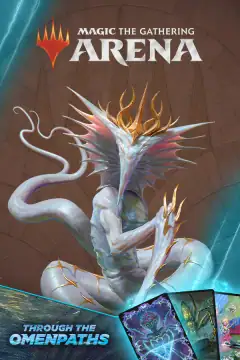
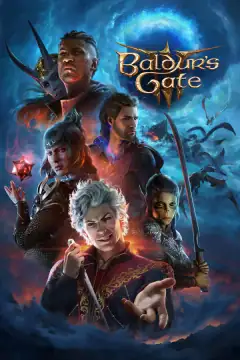
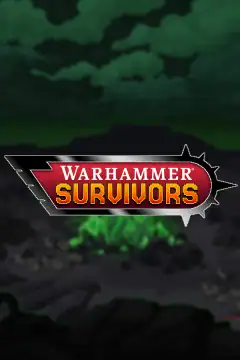


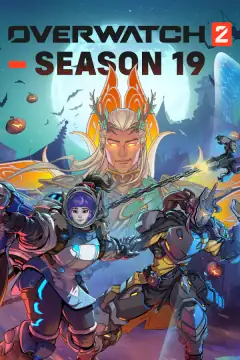
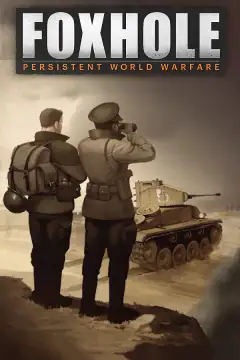
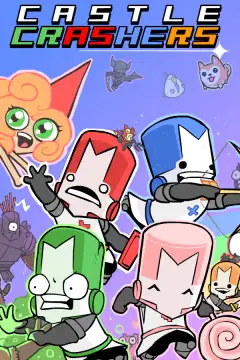
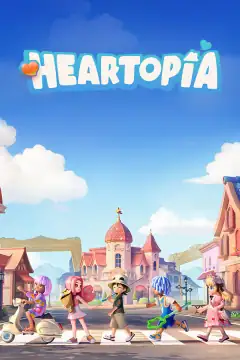
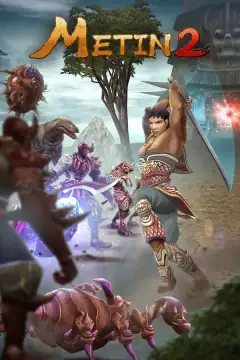
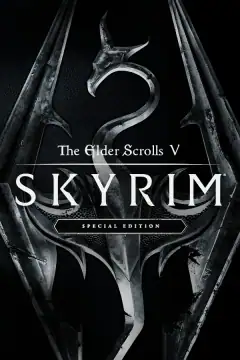
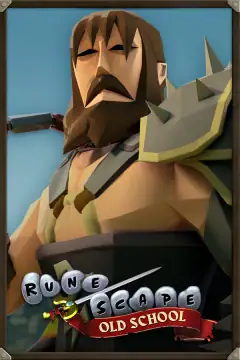
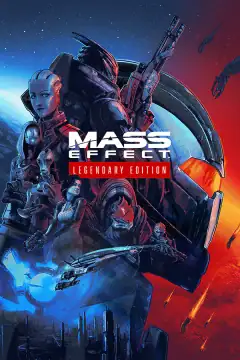
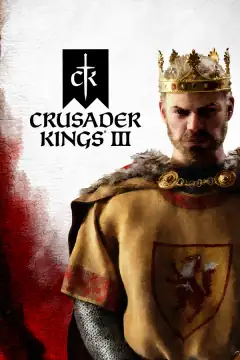


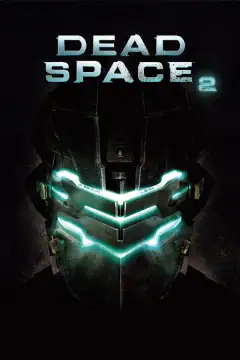
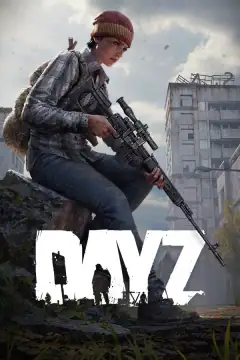
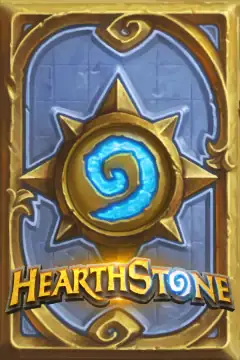
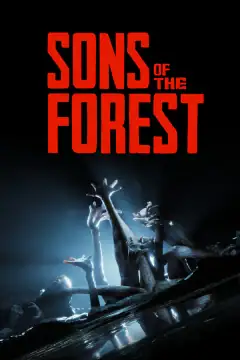
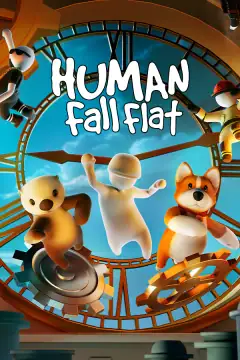
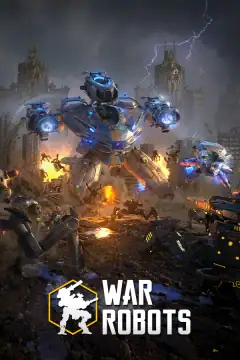
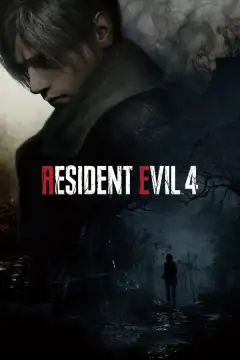
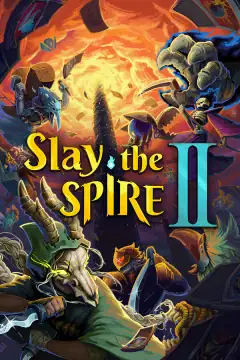
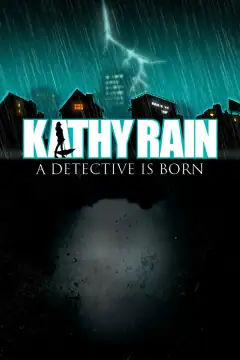
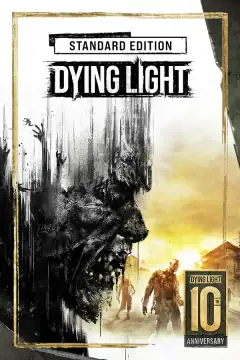
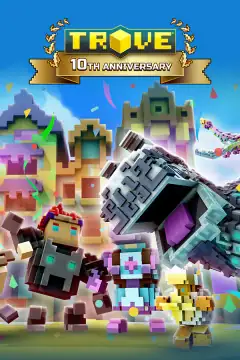

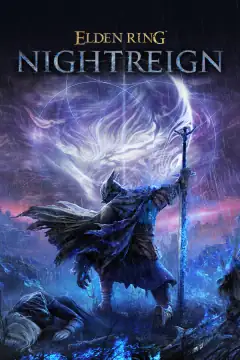
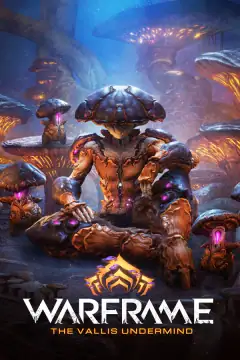

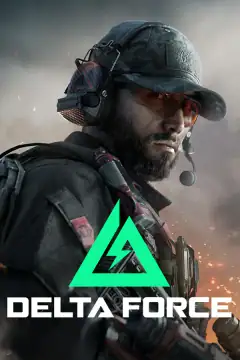
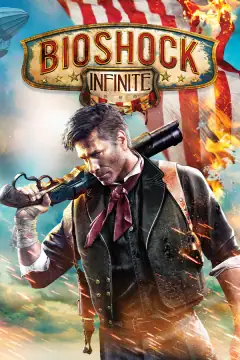

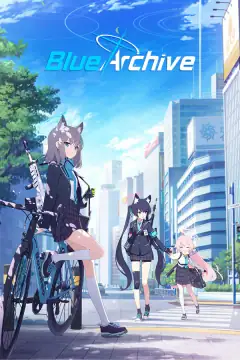

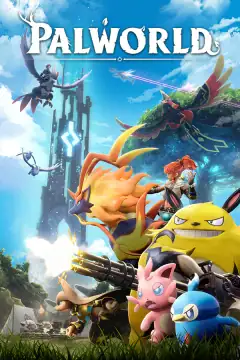
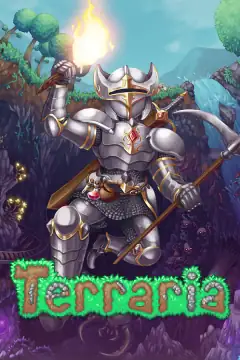
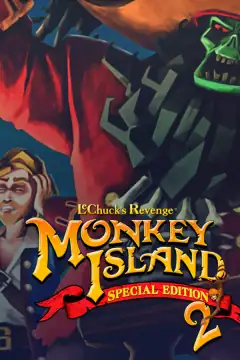
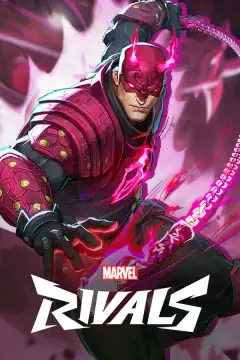

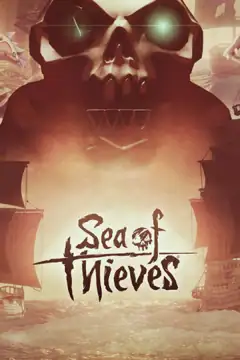
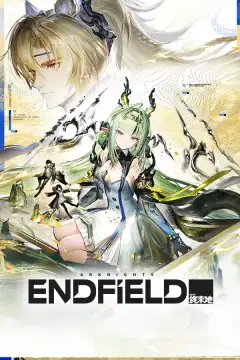
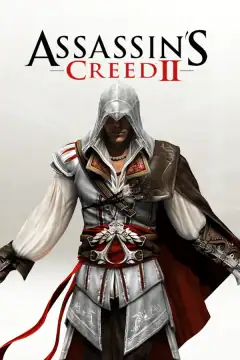
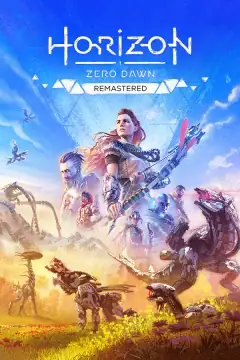
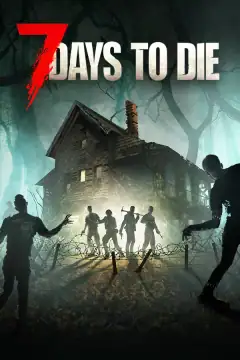
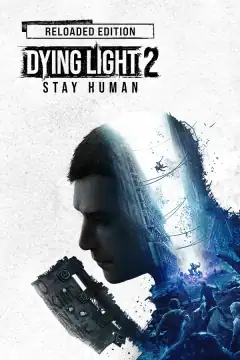
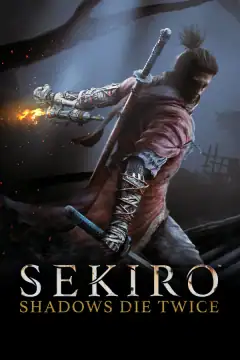
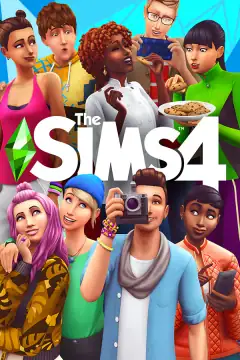
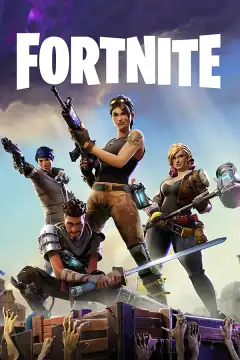
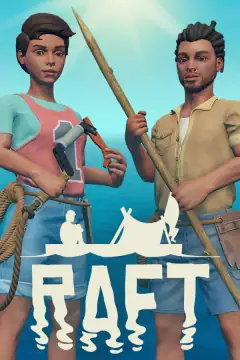


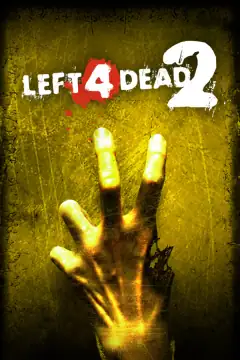

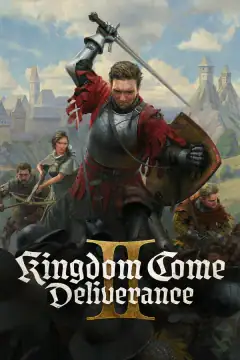

333 games recognized the moment they start
Clips On knows your games by their executable and picks the right recording mode. Any other game can be added in two clicks.
Your server can save the clip for the player
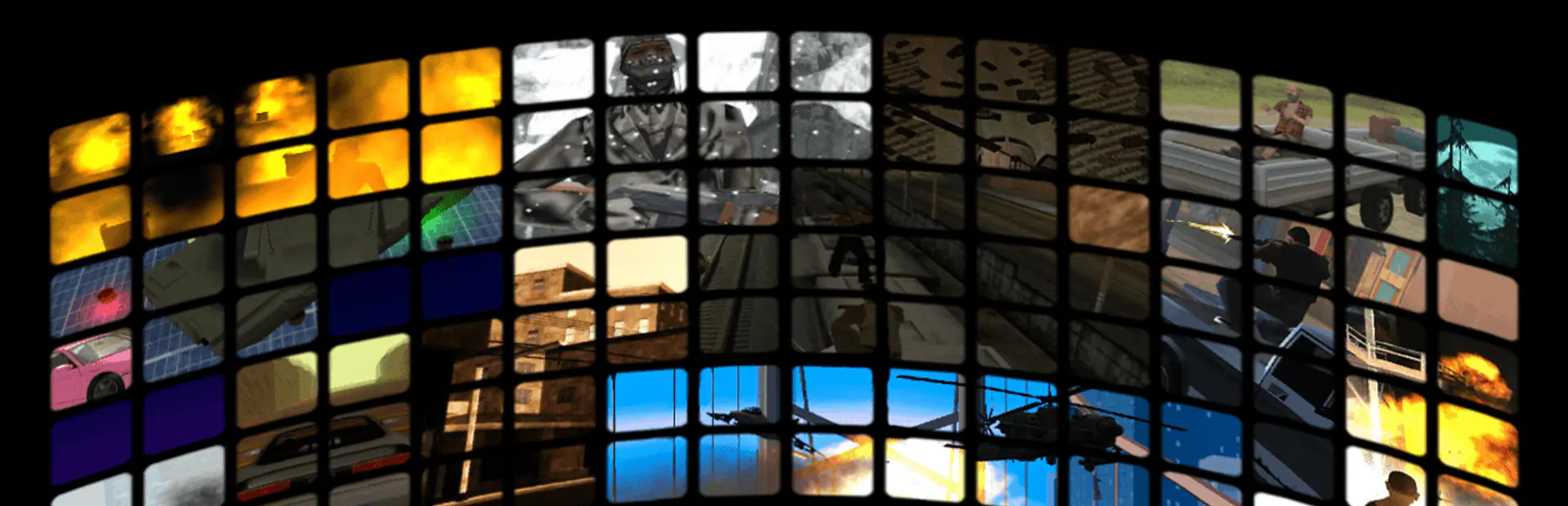
Send an event when something happens, a heist, a final kill, a race win, and Clips On saves a highlight on the player's PC with the seconds before it.
 0:25
- Local only. Events travel from the game client to the app on the same PC, never over the internet.
- Two simple channels. A local HTTP endpoint or an event file, both with the same JSON messages.
- Verified servers. Register for free to get your server key and show your name, logo and art as verified. 2 servers registered
-- Tell Clips On which events you send
exports.clipson:register({
    { id = "heist", label = "Heist complete",
      before = 20, after = 5 },
})

-- Save a highlight on the player's PC
exports.clipson:highlight(player, "heist",
    { label = "Bank heist" })
Questions, answered
Is Clips On free?
Will it lower my FPS?
Which games does it support?
What are the default shortcuts?
Are my clips uploaded anywhere?
Does the in-game dashboard work in fullscreen?
Is there a watermark?
Is Clips On the same app as Clip On?
Your next great play is coming. Be ready.
Free, light on resources and set up in under a minute.